FacadePM use cases
Plan the work and review project status.
Explore released FacadePM capabilities for facade projects. Choose a plan for the modules you need; user roles also govern access.
Project controls
All plans include WBS, scheduling, baselines and duration-weighted schedule progress. Review the programme and its data date while keeping schedule measures distinct from commercial measures.
Project Controls and Complete add budgets, value-based claimed progress, cash flow, project status packs and dashboard export. A missing budget or no-value state is not zero project completion; commercial claimed progress is not schedule progress.
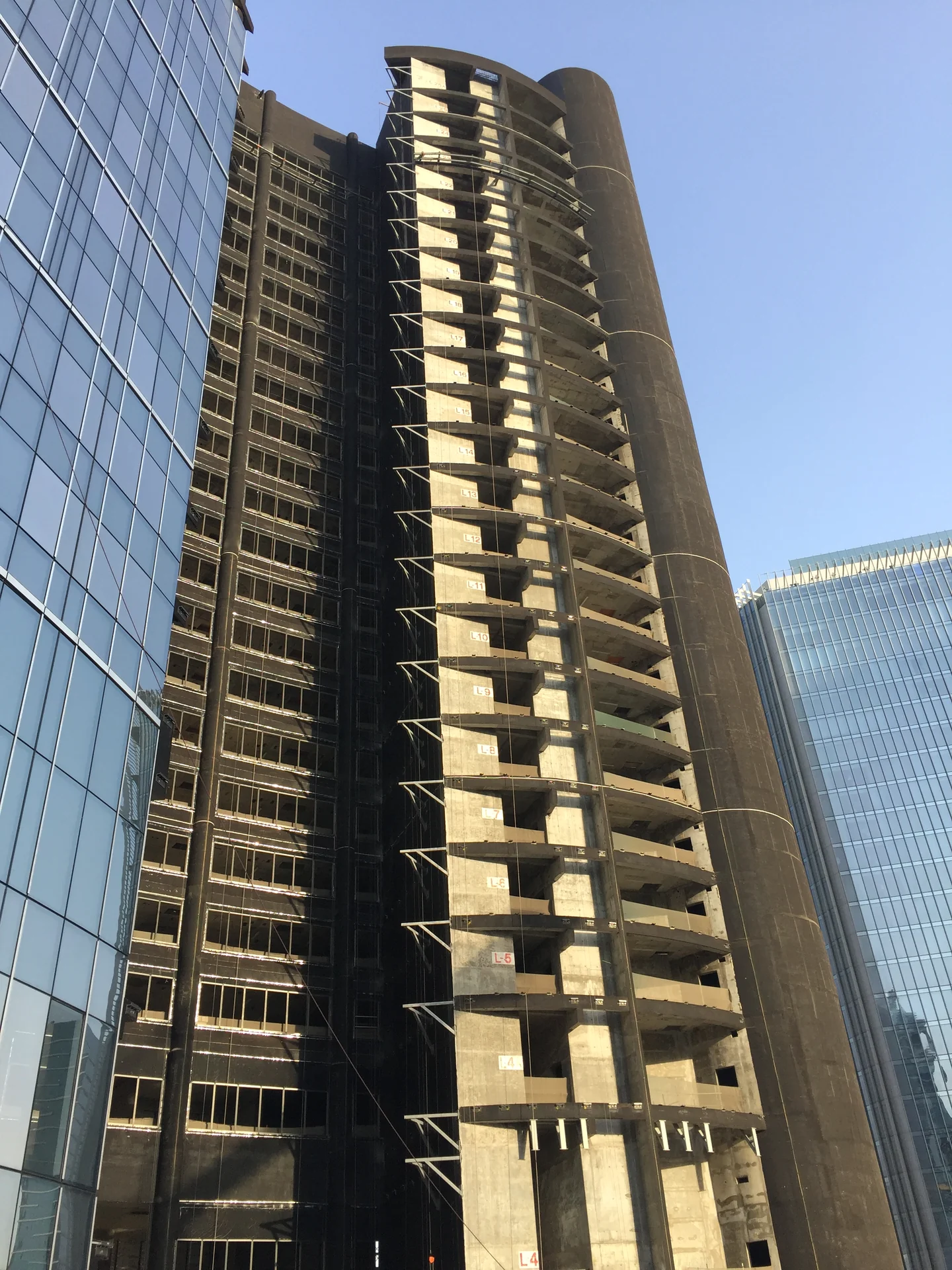
Site planning
All plans support planning activities within the WBS and Building, Elevation and Zone hierarchy. Use Schedule Builder, relationships, calendars, baselines and Task, Start and Finish milestone types to organise the programme and review progress.
Schedule + Resources, Project Controls and Complete add resource demand and allocations. Resource calendars do not silently change critical-path dates. Review calculated dates separately from saved activity dates; calculation previews are not saved dates.
Documents and registers
Complete includes document, RFI and submittal registers. Keep project information and register status alongside the scope and programme, with access governed by the applicable module and user role.
Use these released registers to organise project records and responses. They are register capabilities, with the same plan and role requirements as the other Complete modules.
Quality and defect registers
Complete includes quality inspection and defect registers. Record and review inspections and defects within the project context, subject to the applicable module and user role.
Use these registers to organise quality records and review their status alongside the project programme.
Choose the capability you need.
Start a 30-day trial explicitly from your account. Signing in alone does not activate a trial.
Start 30-day trial